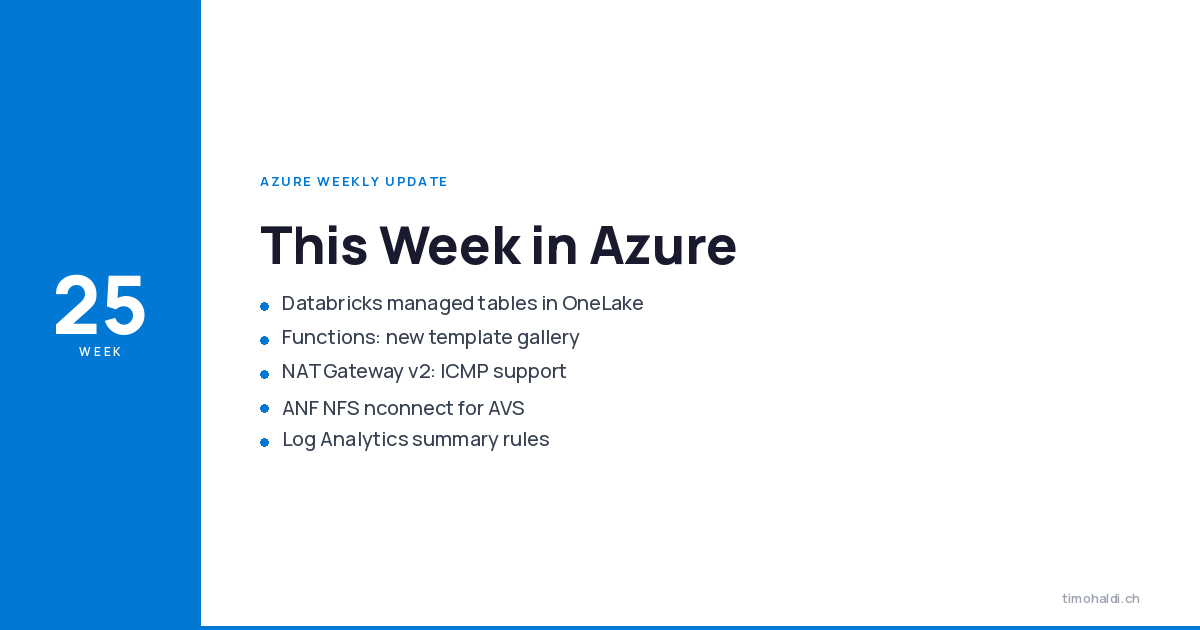
This week in Azure
A quieter week than Build, and most of it lands in developer tooling and data. John’s update runs through seven items. The one worth the most attention sits on the data side: Azure Databricks can now store Unity Catalog managed tables directly in OneLake. That tightens the Fabric/Databricks story considerably.
The rest is solid, practical plumbing. The VS Code Functions extension gets a proper template gallery. NAT Gateway finally answers ping. And Azure NetApp Files picks up NFS nconnect for AVS, which matters if you run VMware workloads on Azure.
Data and analytics
Azure Databricks: Unity Catalog managed tables in OneLake
The headline this week, off the back of the Data + AI Summit. Azure Databricks can now store Unity Catalog managed tables directly in OneLake, Microsoft Fabric’s data lake. This is the next step after Unity Catalog mirroring to OneLake went GA, and it goes further: instead of mirroring a copy, the managed table physically lives in OneLake.
The point is one copy of the data, governed by Unity Catalog, readable from both Databricks and Fabric without duplication or a pipeline shuttling it between them. Zero-copy, shared governance, no second source of truth to keep in sync.
If you run both platforms, this is the interoperability gap closing. Fewer copies, fewer pipelines, one governance model. Worth a look at your current Databricks-to-Fabric data flows to see what you can now delete.
Developer tooling
VS Code Azure Functions: new Create Project experience (preview)
The Azure Functions extension for VS Code replaces the old multi-step Quick Pick wizard with a searchable, filterable template gallery. Pick a complete, ready-to-deploy template from a visual view instead of clicking through prompts.
It’s opt-in for now and in public preview. The same release adds Go language support (scaffolding, local debugging, deployment) and a project type for self-hosted MCP servers built on Functions, with MCP tool-trigger templates. The wizard was never the worst part of Functions, but a gallery is the right shape for picking a starting point.
Azure Migrate: GitHub Copilot integration
Azure Migrate gets GitHub Copilot woven into the assessment flow. The .NET application and code assessment integrates with the Copilot extension for Visual Studio, so you get conversational analysis of a migration report: ask about overall results, drill into a specific issue, get guidance on the adjustments a workload needs before it moves.
This pairs with the broader Copilot app-modernization work that can analyse breaking changes and dependencies and suggest migration paths for .NET and Java. The discovery-and-sizing grind has always been the part people put off. Anything that turns a static report into something you can interrogate is welcome.
Networking
NAT Gateway v2 Standard: ICMP support (preview)
The Standard V2 NAT Gateway SKU now supports outbound ICMP Echo Request and Echo Reply, IPv4 and IPv6. In plain terms: ping works through it. On by default, no configuration.
The old Standard SKU never carried ICMP, so you couldn’t use a simple ping to validate outbound reachability from behind a NAT Gateway. Now you can, which makes diagnosing connectivity a good deal less painful. Standard V2 itself is still in preview, so treat it accordingly. If you’re sizing the subnets behind it, the subnet calculator is handy.
Storage
Azure NetApp Files: NFS nconnect for AVS
Azure NetApp Files adds NFS nconnect support for Azure VMware Solution. nconnect opens multiple TCP connections per NFS mount instead of funnelling everything down one, so a single mount can push more throughput and use the available bandwidth properly.
For AVS workloads using ANF volumes as NFS datastores, that’s a direct performance lever, especially on the high-throughput VMware workloads people put on AVS in the first place. If you run VMware on Azure with ANF behind it, this is one to test against your busier datastores.
Observability
Log Analytics: summary rules
A reminder on Log Analytics summary rules, now generally available. A summary rule runs a KQL query on a schedule, aggregates the data into bins, and re-ingests the result into a custom table. You query the small summarised table for dashboards and reports instead of scanning raw logs every time.
Concrete limits: up to 100 rules per workspace, and rules work against any table regardless of whether it’s on an Analytics or Basic plan. One catch worth knowing: don’t put a time filter in the query, the bin size already defines the window, and adding your own filter just narrows it to the overlap.
It’s a real cost and performance lever for anyone running heavy queries over large tables. Aggregate once, query the summary many times. Check the service limits before you design around it.
Final thoughts
One thing actually worth acting on this week: the Databricks managed-tables-in-OneLake change. If you run both Databricks and Fabric, map your current data flows between them and work out which copies and pipelines you can retire. Single governed copy is the whole point, so use it.
The Functions template gallery and the Azure Migrate Copilot integration are both nice-to-haves you’ll feel the next time you start a project or plan a migration, nothing to schedule. And if you’re behind a NAT Gateway and have ever wished you could just ping out to test connectivity, Standard V2 now lets you, just remember it’s still preview.
Sources
- John Savill, “Azure Update - 19th June 2026,” YouTube, https://www.youtube.com/watch?v=iDqfCpGTdBc
- “Extending interoperability: Azure Databricks can now store Unity Catalog managed tables directly in OneLake,” Microsoft Fabric Blog, https://community.fabric.microsoft.com/t5/Fabric-Updates-Blog/Extending-interoperability-Azure-Databricks-can-now-store-Unity/ba-p/5199741
- “Public Preview: New project templates and template gallery for Azure Functions in VS Code,” microsoft/vscode-azurefunctions CHANGELOG, https://github.com/microsoft/vscode-azurefunctions/blob/main/CHANGELOG.md
- “Analyze applications and migrate to Azure by using GitHub Copilot modernization,” Microsoft Learn, https://learn.microsoft.com/en-us/azure/developer/github-copilot-app-modernization/overview
- “Azure NAT Gateway SKUs,” Microsoft Learn, https://learn.microsoft.com/en-us/azure/nat-gateway/nat-sku
- “Attach Azure NetApp Files datastores to Azure VMware Solution hosts,” Microsoft Learn, https://learn.microsoft.com/en-us/azure/azure-vmware/attach-azure-netapp-files-to-azure-vmware-solution-hosts
- “Aggregate data in a Log Analytics workspace with summary rules,” Microsoft Learn, https://learn.microsoft.com/en-us/azure/azure-monitor/logs/summary-rules