Introduction
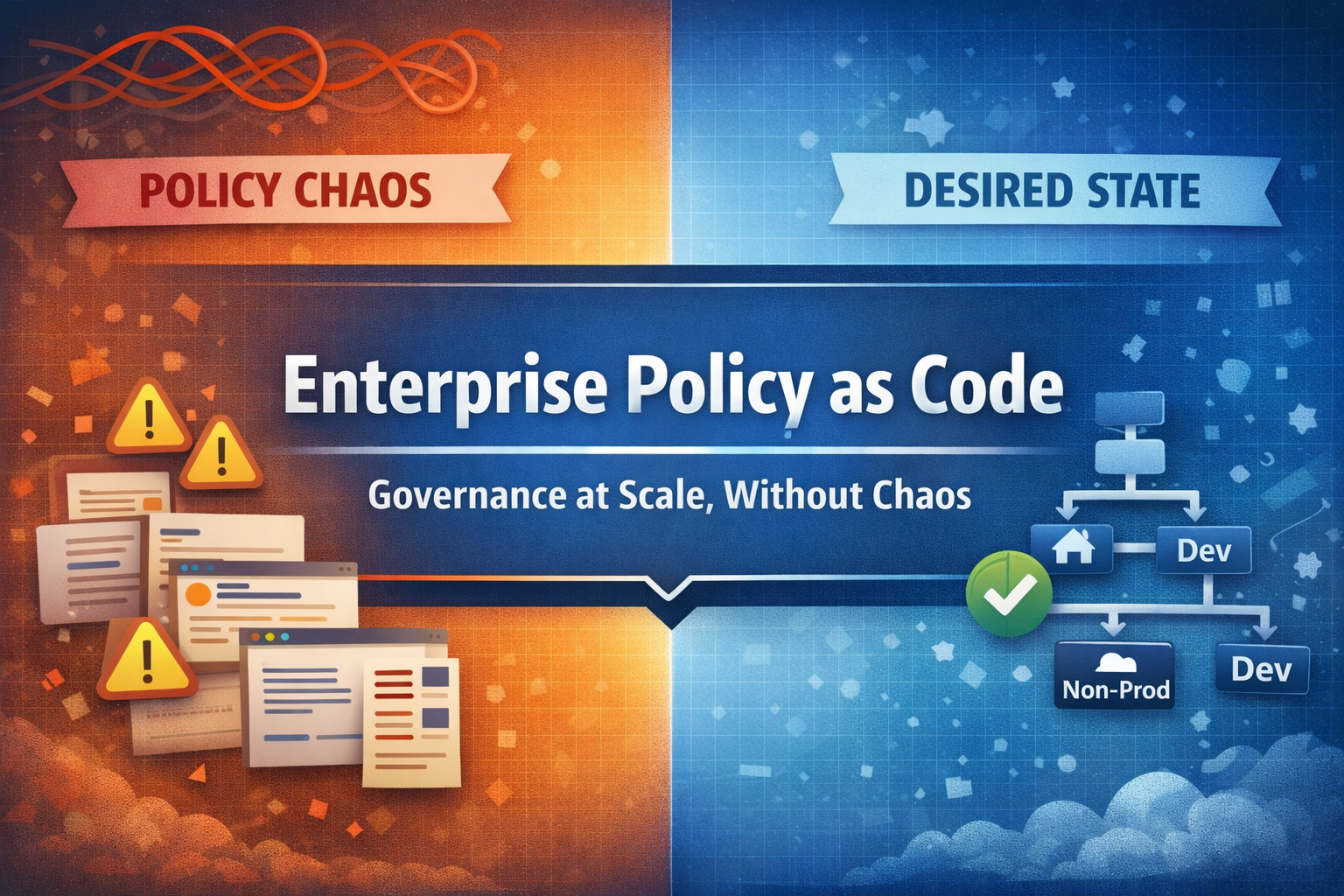
If you’ve ever tried to manage Azure Policy across multiple subscriptions, you’ve likely experienced the frustration: policies are random deployed across different scopes, no clear ownership, conflicting assignments.
Welcome to the world of Enterprise Policy as Code (EPAC).
EPAC isn’t just another tool, it’s a complete change in how we think about Azure governance. Instead of clicking through the portal or writing one-off scripts, EPAC uses the same appreach we apply to application code to our policy definitions. Version control. Code review. Automated testing. Predictable deployments.
In this first article of my EPAC series, I’ll explain why traditional policy management doesn’t work when it’s used on a large scale and how EPAC’s recommended way of managing things will change everything.
- EPAC turns policy management into a versioned, reviewable, automated workflow.
- Desired state removes drift and makes environments predictable.
- Management group design is very important and should be planned in advance.
The Problem: Why Traditional Policy Management Breaks
Let’s be honest about what happens in most Azure environments:
The Portal Trap: Someone creates a policy in the portal. It works. They forget to document it. Six months later, no one knows why it exists or if it’s still needed.
The Scripts: A kind engineer writes a PowerShell script to set up policies. It only works the once. Then the requirements change, the script is split into two, and suddenly you have five versions of “the policy deployment script” across three repositories.
The Inheritance Nightmare: Policies assigned at the management group level can unexpectedly affect subscription-level assignments. Finding the problem is like going on an adventure.
The Drift Problem: Someone modifies a policy definition through the portal “just this once.” Now your source of truth is… somewhere.
These aren’t rare situations, they’re the normal state of policy management in organisations that have grown beyond a few subscriptions.
Enter EPAC: Desired State Management for Azure Policy
EPAC (Enterprise Policy as Code) is a PowerShell-based framework that treats your entire Azure Policy landscape as a desired state configuration. Instead of imperative commands (“create this policy,” “assign that initiative”), you declare what your policy environment should look like, and EPAC figures out how to get there.
Core Principles
1. Single Source of Truth
All policy definitions, initiatives, assignments, and exemptions live in a Git repository. If it’s not in the repo, it doesn’t exist, or shouldn’t exist.
epac-repo/├── Definitions/│ ├── policyDefinitions/│ ├── policySetDefinitions/│ └── policyAssignments/├── Output/└── Scripts/2. Desired State, Not Imperative Commands
You don’t tell EPAC “create policy X.” You tell it “policy X should exist with these properties at this scope.” EPAC compares your desired state to the actual state in Azure.
3. Environment Promotion
Policies flow through environments (DEV → Non-Prod → PROD) just like application code. You test policy changes before they affect production workloads.
4. Full Lifecycle Management
EPAC handles:
- Policy Definitions (custom policies)
- Policy Set Definitions (initiatives)
- Policy Assignments (with parameters and managed identity)
- Policy Exemptions (time-bound and documented)
- Role Assignments (for remediation tasks)
The EPAC Workflow
This is how EPAC changes your daily work:
Step 1: Define Your Policies in Code
{ "name": "require-resource-tags", "properties": { "displayName": "Require specific tags on resources", "policyType": "Custom", "mode": "Indexed", "parameters": { "tagName": { "type": "String", "metadata": { "displayName": "Tag Name", "description": "Name of the tag to require" } } }, "policyRule": { "if": { "field": "[concat('tags[', parameters('tagName'), ']')]", "exists": "false" }, "then": { "effect": "deny" } } }}Step 2: Create Assignments
Assignments connect policies to scopes with specific parameters:
{ "nodeName": "/Root/", "scope": { "tenant1": [ "/providers/Microsoft.Management/managementGroups/production" ] }, "assignment": { "name": "require-cost-center-tag", "displayName": "Require Cost Center Tag", "description": "All resources must have a CostCenter tag" }, "definitionEntry": { "policyName": "require-resource-tags" }, "parameters": { "tagName": "CostCenter" }}Step 3: Plan and Deploy
# Build the deployment planBuild-DeploymentPlans -PacEnvironmentSelector "tenant1-prod"
# Review what will change# (Output shows creates, updates, deletes)
# Deploy the changesDeploy-PolicyPlan -PacEnvironmentSelector "tenant1-prod"
Step 4: Remediate Non-Compliant Resources
# Create remediation tasks for deployIfNotExists policiesStart-AzPolicyRemediation ` -Name "auto-remediation" ` -PolicyAssignmentId $assignmentId ` -ResourceDiscoveryMode ReEvaluateComplianceWhy Management Groups Matter
EPAC works best with a well-designed management group hierarchy. The Cloud Adoption Framework recommends a structure like this:
Tenant Root Group├── Platform│ ├── Management│ ├── Connectivity│ └── Identity├── Landing Zones│ ├── Corp│ └── Online├── Sandbox└── DecommissionedThis structure enables:
- Inheritance: Policies assigned at higher levels flow down
- Exceptions: Lower scopes can add (but typically not remove) policies
- Segmentation: Different policy sets for different workload types
EPAC leverages this hierarchy to manage policies at the appropriate scope. Organization-wide security policies go at the root. Workload-specific policies go at the landing zone level.
EPAC vs. Native Azure Policy Management
| Aspect | Portal/CLI | EPAC |
|---|---|---|
| Source of Truth | Azure (scattered) | Git repository |
| Change Tracking | Activity logs | Git history + PRs |
| Rollback | Manual recreation | Git revert |
| Environment Promotion | Copy/paste | Automated pipeline |
| Drift Detection | Manual audit | Every deployment |
| Documentation | External wiki | Co-located with code |
| Code Review | Not applicable | Pull requests |
Getting Started: Prerequisites
Before diving into EPAC, ensure you have:
1. Management Group Structure
- At minimum, separate production from non-production
- Ideally, follow CAF recommendations
2. Azure AD App Registrations
EPAC needs service principals with appropriate permissions:
- Reader at tenant root (to discover policies)
- Resource Policy Contributor at deployment scopes
- User Access Administrator for role assignments (remediation)
3. PowerShell Environment
# Install the EPAC moduleInstall-Module -Name EnterprisePolicyAsCode -Scope CurrentUser
# Verify installationGet-Module -Name EnterprisePolicyAsCode -ListAvailable
4. Git Repository
- Version control for your policy definitions
- CI/CD pipeline capability (Azure DevOps or GitHub Actions)
Common Pitfalls to Avoid
Starting Too Big: Don’t try to migrate your entire policy landscape on day one. Start with a single management group and expand.
Ignoring Existing Policies: EPAC can coexist with portal-managed policies, but you need to decide. Adopt them into EPAC or mark them as “managed elsewhere.”
Skipping the Planning Phase: Build-DeploymentPlans exists for a reason. Always review the plan before deploying.
Underestimating Role Assignments: Policies with deployIfNotExists effects need managed identities with appropriate permissions. Plan these carefully.
What’s Next
In the next article, we’ll dive into EPAC pipelines—building a CI/CD workflow that takes your policies from pull request to production with appropriate gates and approvals.
We’ll cover:
- GitHub Flow for policy changes
- Azure DevOps pipeline configuration
- Separation of concerns: who can modify what
- Handling emergencies and rollbacks
Key Takeaways
-
EPAC treats policies as code: Version control, code review, and automated deployment apply to governance, not just applications.
-
Desired state eliminates drift: Declare what should exist. EPAC handles the delta.
-
Management groups are foundational: A solid hierarchy makes policy management tractable.
-
Start small, expand deliberately: Migrate one scope at a time to build confidence.
-
Plan before you deploy: The planning phase catches mistakes before they impact production.
Sources
-
Microsoft, “Enterprise Policy as Code,” Cloud Adoption Framework, https://learn.microsoft.com/azure/cloud-adoption-framework/ready/policy-management/enterprise-policy-as-code
-
Microsoft, “Azure Policy Overview,” Azure Documentation, https://learn.microsoft.com/azure/governance/policy/overview
-
Microsoft, “Management Groups,” Azure Governance Documentation, https://learn.microsoft.com/azure/governance/management-groups/overview
-
Microsoft, “Cloud Adoption Framework Landing Zone Architecture, https://learn.microsoft.com/azure/cloud-adoption-framework/ready/landing-zone/
-
Azure, “Enterprise Policy as Code Repository,” GitHub, https://github.com/Azure/enterprise-azure-policy-as-code
-
Microsoft, “Remediate Non-Compliant Resources with Azure Policy,” Azure Documentation, https://learn.microsoft.com/azure/governance/policy/how-to/remediate-resources