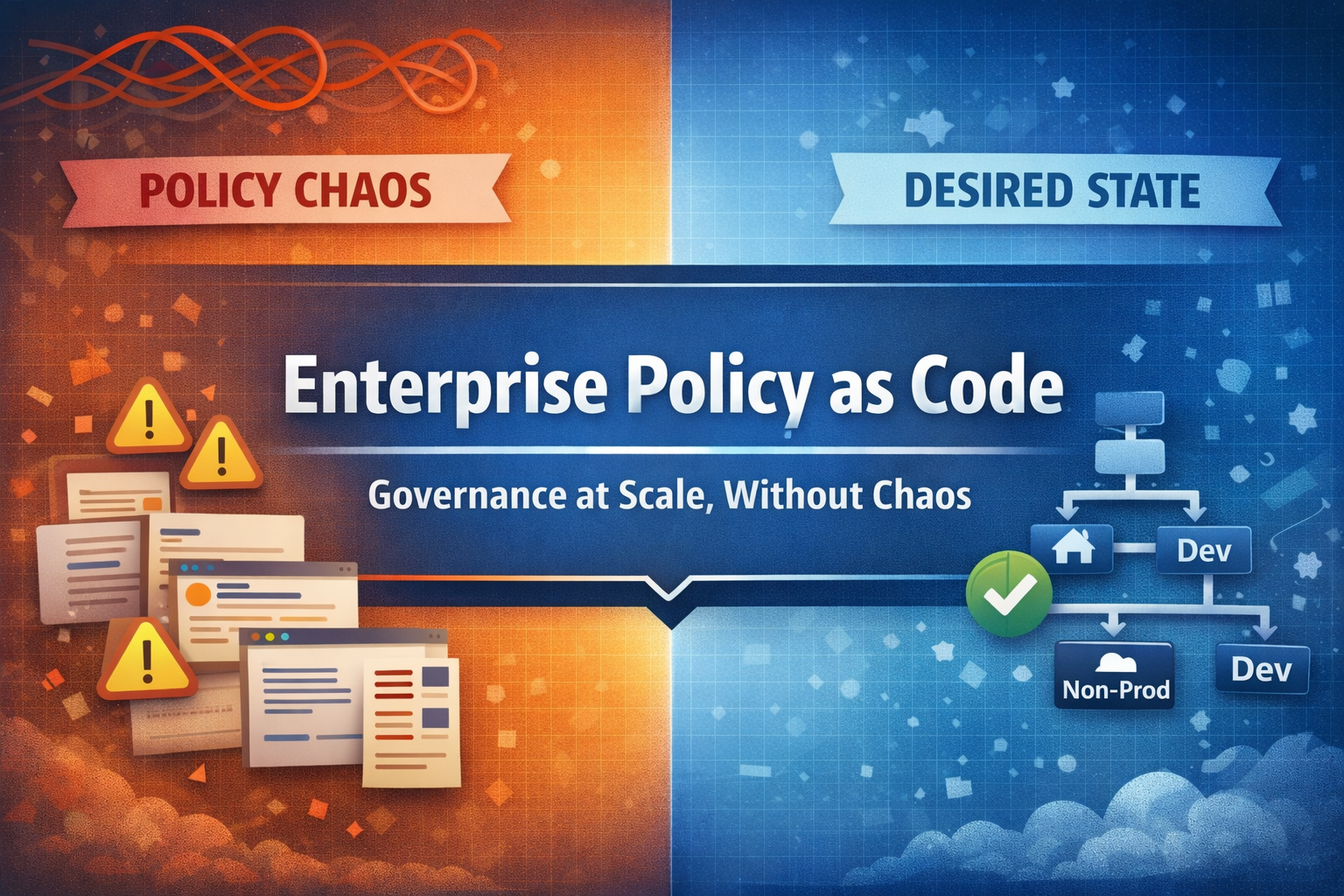
Once Azure Policy is spread across more than a few subscriptions, it gets messy: policies at different scopes, no clear owner, and assignments that conflict with each other. Enterprise Policy as Code (EPAC) handles policy the way we handle application code, with version control, code review, automated tests and repeatable deployments.
This is the first of three posts based on a proof of concept I did with EPAC. Part 2 covers EPAC pipelines, part 3 covers exemptions and advanced patterns.
Why manual policy management breaks
What I usually see in Azure environments:
- Someone creates a policy in the portal and doesn’t document it. Six months later nobody knows why it exists or whether it is still needed.
- An engineer writes a PowerShell script to deploy policies. Requirements change, the script gets copied and modified, and eventually there are several versions of it in different repositories.
- Assignments at management group level interact with subscription-level assignments in ways that are hard to trace.
- Someone changes a definition in the portal “just this once”, and the repository is no longer the source of truth.
This is normal in organisations that have grown beyond a handful of subscriptions.
EPAC: desired state for Azure Policy
EPAC is a PowerShell framework that treats your Azure Policy setup as desired state configuration. You don’t issue commands like “create this policy” or “assign that initiative”. You declare what the policy environment should look like, and EPAC works out the changes needed to get there.
Core principles
All definitions, initiatives, assignments and exemptions live in a Git repository. If it is not in the repo, it should not exist in Azure.
epac-repo/├── Definitions/│ ├── policyDefinitions/│ ├── policySetDefinitions/│ └── policyAssignments/├── Output/└── Scripts/You describe state (“policy X exists with these properties at this scope”), and EPAC compares it with what is actually deployed.
Changes move through environments (DEV → Non-Prod → PROD) like application code, so you can test a policy change before it hits production workloads.
EPAC manages the full lifecycle of:
- Policy definitions (custom policies)
- Policy set definitions (initiatives)
- Policy assignments (with parameters and managed identity)
- Policy exemptions (time-bound and documented)
- Role assignments (for remediation tasks)
The workflow
Step 1: define policies in code
{ "name": "require-resource-tags", "properties": { "displayName": "Require specific tags on resources", "policyType": "Custom", "mode": "Indexed", "parameters": { "tagName": { "type": "String", "metadata": { "displayName": "Tag Name", "description": "Name of the tag to require" } } }, "policyRule": { "if": { "field": "[concat('tags[', parameters('tagName'), ']')]", "exists": "false" }, "then": { "effect": "deny" } } }}Step 2: create assignments
Assignments connect policies to scopes with specific parameters:
{ "nodeName": "/Root/", "scope": { "tenant1": [ "/providers/Microsoft.Management/managementGroups/production" ] }, "assignment": { "name": "require-cost-center-tag", "displayName": "Require Cost Center Tag", "description": "All resources must have a CostCenter tag" }, "definitionEntry": { "policyName": "require-resource-tags" }, "parameters": { "tagName": "CostCenter" }}Step 3: plan and deploy
# Build the deployment planBuild-DeploymentPlans -PacEnvironmentSelector "tenant1-prod"
# Review what will change (output shows creates, updates, deletes)
# Deploy the changesDeploy-PolicyPlan -PacEnvironmentSelector "tenant1-prod"
Step 4: remediate non-compliant resources
# Create remediation tasks for deployIfNotExists policiesStart-AzPolicyRemediation ` -Name "auto-remediation" ` -PolicyAssignmentId $assignmentId ` -ResourceDiscoveryMode ReEvaluateComplianceManagement groups
EPAC works best with a sensible management group hierarchy (see Building an Azure Cloud Foundation). The Cloud Adoption Framework recommends something like this:
Tenant Root Group├── Platform│ ├── Management│ ├── Connectivity│ └── Identity├── Landing Zones│ ├── Corp│ └── Online├── Sandbox└── DecommissionedPolicies assigned higher up are inherited by everything below. Lower scopes can add policies but usually can’t remove inherited ones, and different branches can get different policy sets per workload type. In EPAC that means organisation-wide security policies go at the root and workload-specific ones at the landing zone level.
EPAC compared to portal and CLI
| Aspect | Portal/CLI | EPAC |
|---|---|---|
| Source of Truth | Azure (scattered) | Git repository |
| Change Tracking | Activity logs | Git history + PRs |
| Rollback | Manual recreation | Git revert |
| Environment Promotion | Copy/paste | Automated pipeline |
| Drift Detection | Manual audit | Every deployment |
| Documentation | External wiki | Co-located with code |
| Code Review | Not applicable | Pull requests |
Prerequisites
1. Management group structure
At minimum, separate production from non-production. Ideally follow the CAF recommendations.
2. Microsoft Entra ID app registrations
EPAC needs service principals with these roles:
- Reader at tenant root, to discover existing policies
- Resource Policy Contributor at the deployment scopes
- Role Based Access Control Administrator, for the role assignments used by remediation. I prefer this over User Access Administrator because it can be restricted with ABAC conditions to the roles the service principal is allowed to assign.
These are privileged assignments, so consider Privileged Identity Management (PIM) for just-in-time access.
3. PowerShell environment
# Install the EPAC module (pin the version to avoid breaking changes)Install-Module -Name EnterprisePolicyAsCode -Scope CurrentUser -RequiredVersion "10.4.2"
# Verify installationGet-Module -Name EnterprisePolicyAsCode -ListAvailable
4. Git repository
A repository for the policy definitions and a CI/CD platform (Azure DevOps or GitHub Actions).
Common pitfalls
Don’t migrate the whole policy landscape on day one. Start with one management group and expand from there.
EPAC can coexist with portal-managed policies, but only if you set desiredState.strategy in global-settings.jsonc. The default full strategy deletes policies EPAC does not manage. With ownedOnly, EPAC only touches resources carrying your pacOwnerId tag and leaves portal-created policies alone.
Always review the output of Build-DeploymentPlans before deploying.
Policies with deployIfNotExists effects need managed identities with the right permissions. Plan these role assignments early.
Next
Part 2 covers the CI/CD workflow from pull request to production: GitHub Flow for policy changes, the Azure DevOps pipeline, who can change what, and how to handle emergencies and rollbacks. The governance framework post puts EPAC into a wider governance strategy.
Sources
-
Azure, “Enterprise Policy as Code Repository,” GitHub, https://github.com/Azure/enterprise-azure-policy-as-code
-
Microsoft, “Enterprise Policy as Code,” Cloud Adoption Framework, https://learn.microsoft.com/azure/cloud-adoption-framework/ready/policy-management/enterprise-policy-as-code
-
Microsoft, “Azure Policy Overview,” Azure Documentation, https://learn.microsoft.com/azure/governance/policy/overview
-
Microsoft, “Management Groups,” Azure Governance Documentation, https://learn.microsoft.com/azure/governance/management-groups/overview
-
Microsoft, “Cloud Adoption Framework Landing Zone Architecture,” https://learn.microsoft.com/azure/cloud-adoption-framework/ready/landing-zone/
-
Microsoft, “Remediate Non-Compliant Resources with Azure Policy,” Azure Documentation, https://learn.microsoft.com/azure/governance/policy/how-to/remediate-resources